 Pitchside
The easiest way to follow live football while you work in Chrome is to keep the scores in Chrome’s side panel. The panel sits beside the page you’re on and stays open when you switch tabs, so the match is always one glance away without a separate tab or your phone. This guide shows how to set that up with Pitchside, from installing it to getting an alert the moment your team scores.
Step 1: Add Pitchside to Chrome
Install Pitchside from the Chrome Web Store and click Add to Chrome. It asks for very little: it runs only in its own panel and has no access to the websites you visit.
Step 2: Pin the icon to your toolbar
New extensions hide behind Chrome’s extensions menu at first. To keep Pitchside one click away:
- Click the puzzle piece icon at the top right of Chrome.
- Find Pitchside in the list and click the pin next to it.
The Pitchside icon now sits in your toolbar.
Step 3: Open the side panel
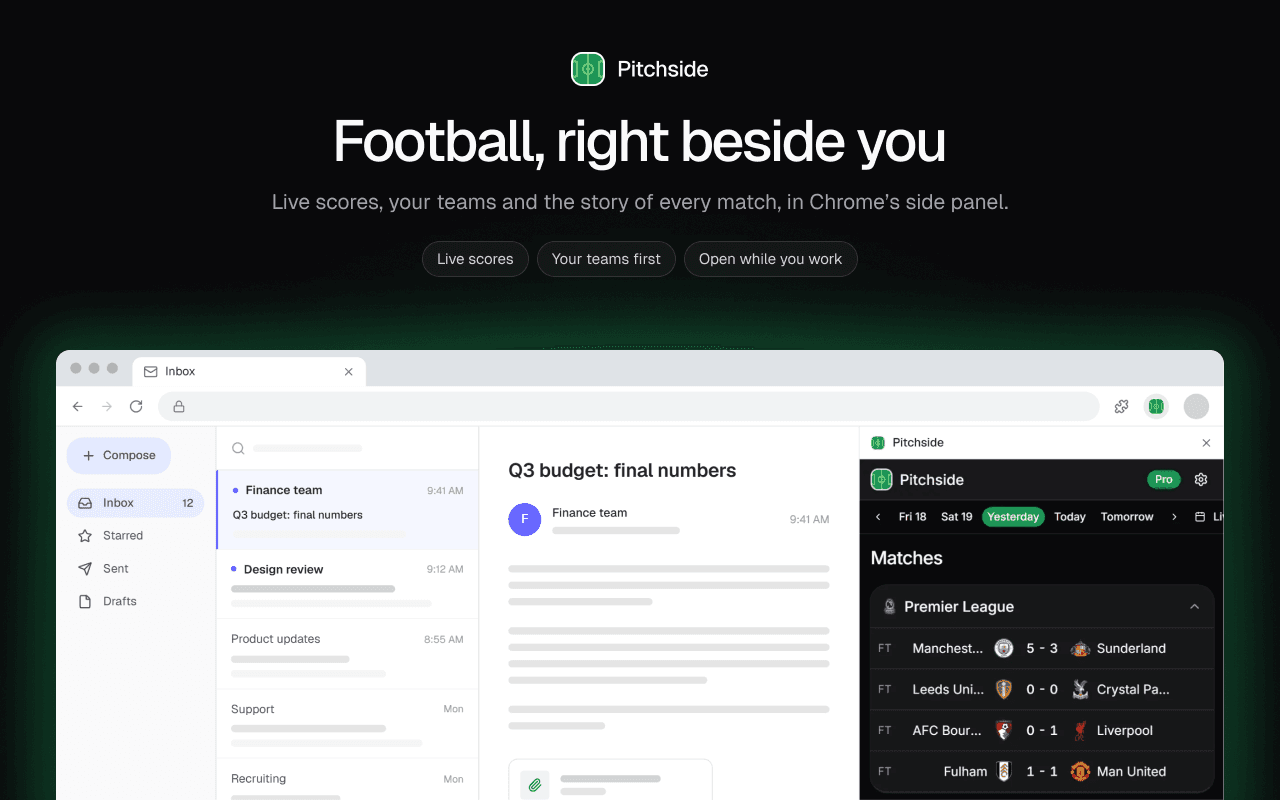
Click the Pitchside icon. The side panel opens on the right of the window, next to the page you’re on. To hide it, use the close button at the top of the panel.
Because it’s a side panel and not a popup, it stays open while you work. Switch tabs, open a document, join a call: the scores stay where they are.
Step 4: Sign in and pick your teams
Sign in with Google, then choose the leagues and teams you follow. From then on, their matches sit at the top of the list, above everything else that day.
You can change them any time from the Following tab at the bottom of the panel. Your choices are saved to your account, so they’re the same on every computer you sign in on.
Step 5: Check a match at a glance
The Matches screen shows each game’s score, the minute and the goalscorers, and updates as the games go on. Use the date strip at the top to look back at results or ahead to fixtures.
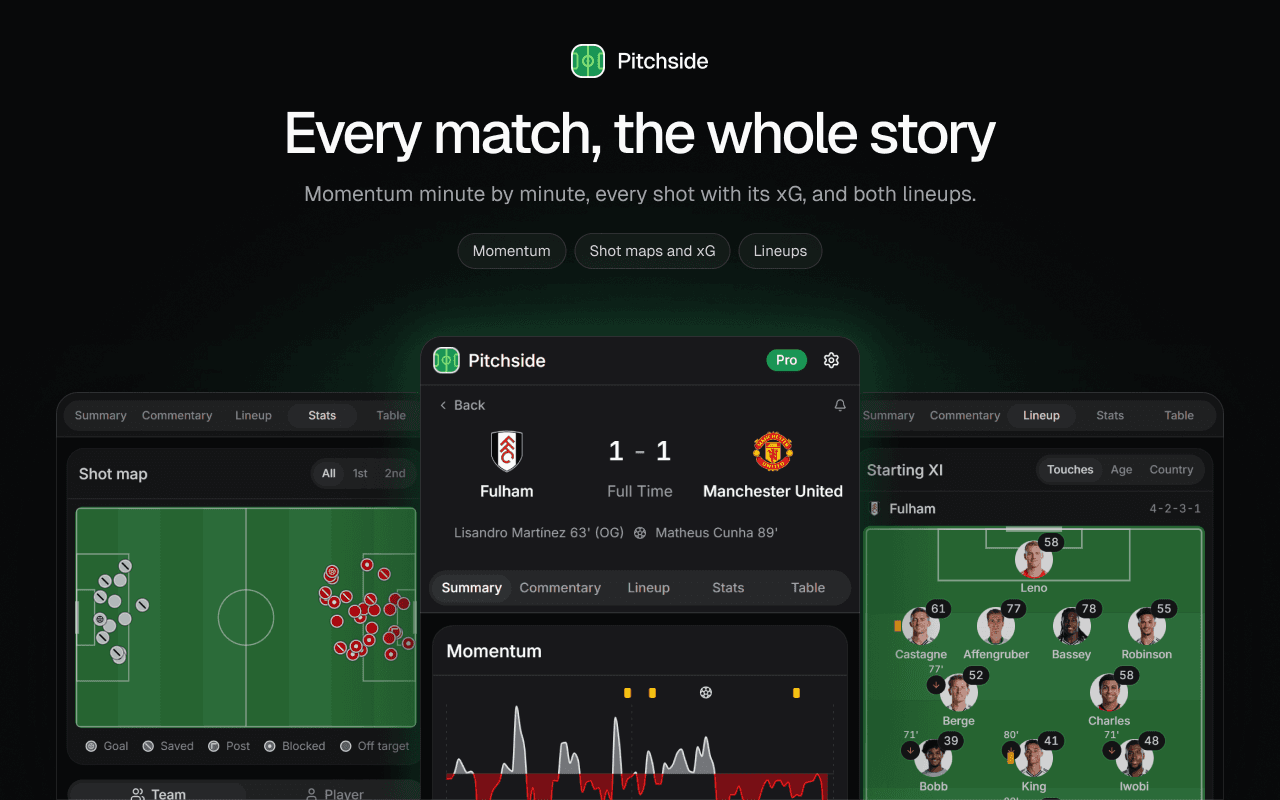
Click any match to open it. You get a summary, live commentary, the lineups, stats and the table. With Pitchside Pro, you also get a momentum chart that shows which side is on top, minute by minute, and a shot map with the expected goals (xG) of every chance.
Step 6: Turn on desktop alerts
If you’d rather not look at all, alerts tell you when something happens. They’re part of Pitchside Pro, which new accounts can try free for 7 days.
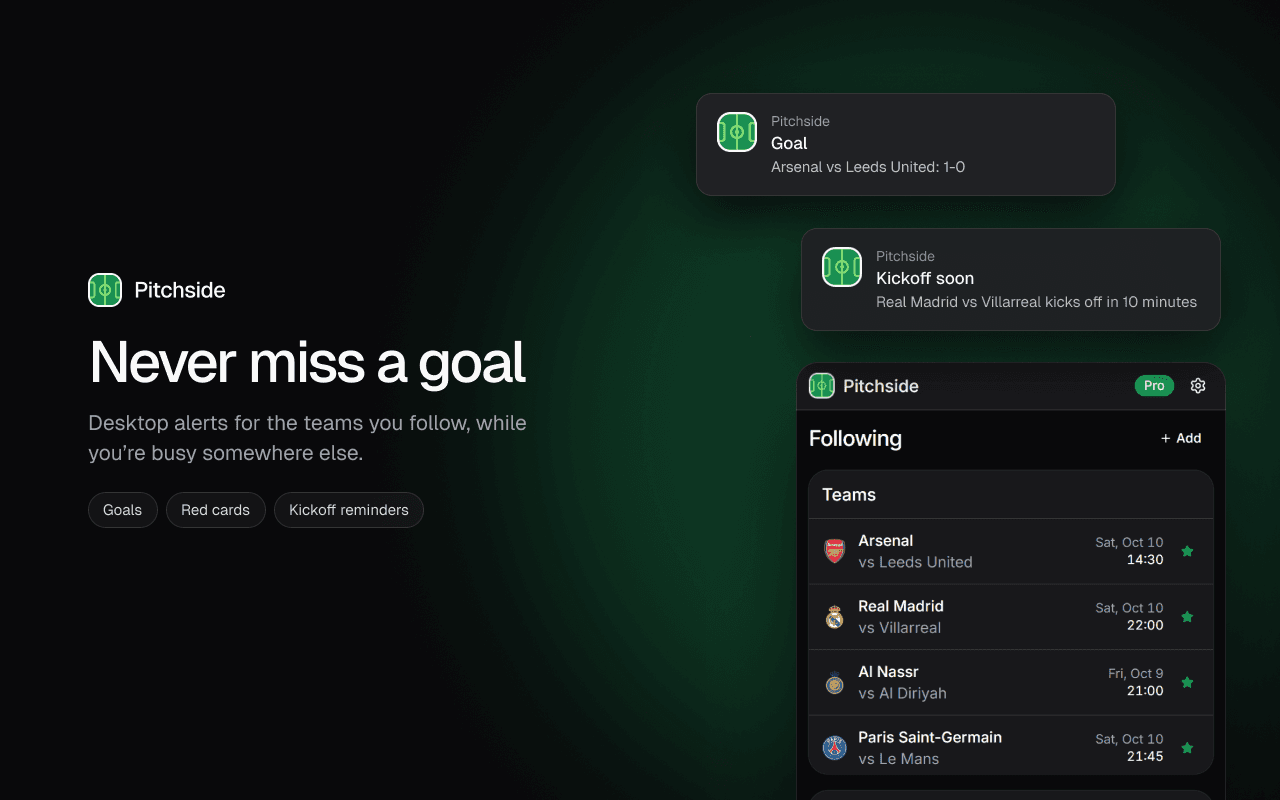
Open Settings in the panel and go to Alerts. For each team you follow, you can turn on:
- Goal: goals by either side in their matches
- Red card: red cards for either side
- Full time: the final score when their match ends
- Kickoff reminder: a nudge 10 minutes before they kick off
For each league you follow, you can get goals, red cards and full-time scores from all of its matches. And for a one-off match between two teams you don’t follow, tap the bell at the top of the match page to get alerts for that game alone.
The first time you turn an alert on, Chrome asks whether Pitchside may show notifications. Choose Allow.
Troubleshooting
I’m not getting any alerts
Alerts only arrive while Chrome is running. The side panel itself can be closed, but Chrome has to be open.
If Chrome is open and nothing arrives, notifications may be blocked. Go to chrome://settings/content/notifications in the address bar and make sure Pitchside is allowed. On Windows and macOS, also check that notifications from Chrome are switched on in the system settings, and that Focus or Do Not Disturb isn’t hiding them.
I can’t find the Pitchside icon
It’s probably still inside the extensions menu. Click the puzzle piece icon at the top right of Chrome and pin Pitchside, as in step 2.
A match has no shot map or momentum chart
Detailed match data isn’t published for every competition. It’s deepest in Europe’s top five leagues, the Champions League, MLS and the Saudi Pro League. Elsewhere you still get the score, lineups and table.
Frequently asked questions
Can I watch matches in Pitchside?
No. Pitchside shows scores, stats and commentary, not video. It’s built for following a game while you do something else.
Does keeping the panel open slow Chrome down?
Pitchside is a single small panel that refreshes its data while it’s open. It doesn’t run anything inside the pages you visit.
Do alerts work when the side panel is closed?
Yes. Alerts come from the extension itself, so they arrive whether or not the panel is open, as long as Chrome is running.